
WP Sync Works, But Not How You Think
Does WP Sync Works? You’re paying monthly fees to move your own customers between your own tools. That stops making sense when you add it up. WP Sync contains far more functionality than most people expect from a one-time-payment product. For the right person, it pays for itself in a month or two.
Does WP Sync Works as a Zapier Replacement?
WP Sync is a WordPress plugin that runs automation directly on your own site instead of on a rented cloud platform. You install the plugin on your WordPress dashboard. You paste API keys from the apps you want to connect. The vendor calls the basic building block a bridge. A bridge is one rule: If a contact exists in source X, then send them to destination Y.
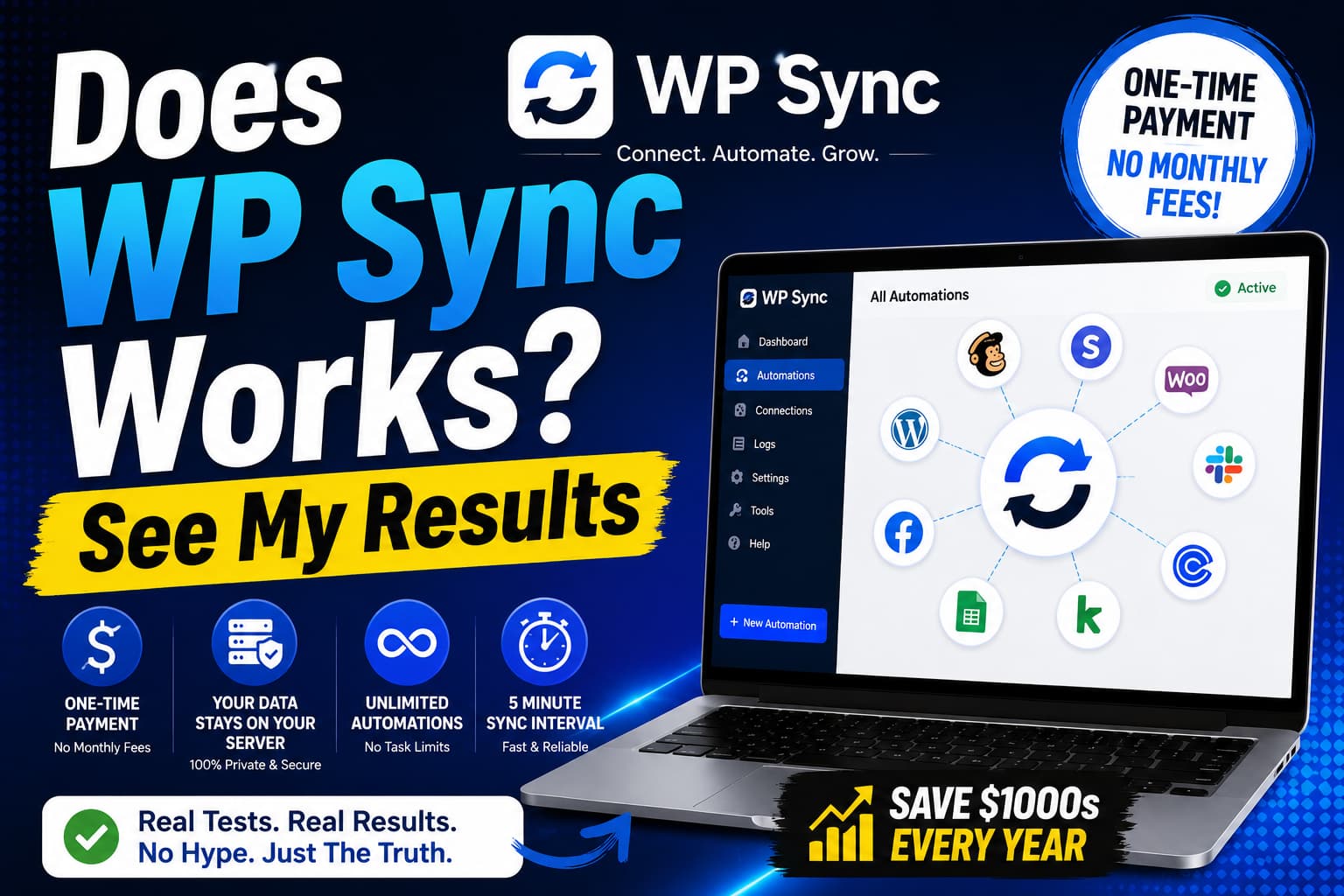
The plugin checks for new contacts every 5 minutes and automatically moves them. This is not instant webhook speed. It polls external sources on a cycle rather than firing instantly. But for most lead transfers this delay doesn’t matter.
Unlike Zapier, there are no task limits. You own it, it runs on your server, and there’s no task meter counting down. That difference changes your cost structure completely. A WordPress automation plugin that runs on your own server means you stop renting your workflows.
Does WP Sync Works With Your Current Tools?
The marketing says 147, but the published native integration list is around 26. The larger number appears to count apps reachable through the generic webhook connector. This matters if you need plug-and-play connections.
The software currently supports 26 connections across multiple categories. Email platforms like ActiveCampaign and Mailchimp work natively. WooCommerce integrates directly. Facebook Lead Ads sync without extra config. Check that the specific tools you use are natively supported before buying.
You map fields during setup. You map the fields, add any tags and set any filters you want. Spend the extra 5 minutes mapping all available fields — names, tags, custom attributes, and product data. The richer your destination data, the better your email personalization and segmentation.
You do a dry-run to see what would be sent, then you flip it live. Always use a test contact (your own email address) to verify the complete bridge works correctly before activating it for live traffic. This prevents sending bad data to your live lists.
Does WP Sync Works for Non-Technical Users?
The interface is designed for non-technical users. Everything is inside your WordPress admin. There is no separate dashboard, no account to set up with the vendor, and no cloud service in the middle. You work from a settings page you already know.
Setup follows a pattern. For each tool you want to connect, paste an API key and click Test Connection. You define a source (where data comes from) and a destination (where data should go), configure field mappings and optional delays or schedules, then activate. The hardest part is finding your API keys in each app.
The activity log is one of WP Sync’s most powerful features, yet many users never check it after setup. If an integration silently fails (due to an expired API key or rate limit), you could be losing leads without knowing it. Set a weekly calendar reminder to review your activity log for any error statuses. Five minutes of monitoring can prevent significant lead loss.
Does WP Sync Works Without Monthly Fees?
A professional plan that handles anything beyond basic tasks can set you back $49 to $299+ per month for cloud automation. A $49 monthly subscription costs nearly $3,000 over five years. A $99 monthly subscription exceeds $5,900. WP Sync starts at only $47 one time.
For most people the $147 full package is the sweet spot without any OTOs. The upsells add reseller rights, a 25-site developer license, a separate tracking tool, and an AI suite — all optional. The base package handles typical business needs.
The math changes your margins. Every dollar not spent on subscriptions becomes profit. Reducing recurring expenses is one of the fastest ways to improve business margins. Automation tools like Zapier charge you per task. Every time a lead moves from your Facebook ad to your email list, that’s a task.
Your success costs you less with self-hosted automation tools. The better your business does, the bigger your bill gets. Your success is literally their upsell. That reverses when you own the software.
Does WP Sync Works Reliably at Scale?
It leans on your hosting to stay reliable. Your server quality determines uptime. Cheap shared hosting might struggle with background processes. Good managed WordPress hosting handles this easily.
There is no branching logic, no conditional paths, no data formatters, no code steps, no multi-step chains where the output of one step feeds the next. If you have been using Zapier to reformat dates, or run a five step conditional workflow, WP Sync does not do that. This is contact sync. Not general workflow automation.
What it does do is the job that most small operators actually use those platforms for. That is, getting a buyer, lead, student or registrant off of one platform and onto an email list with the right tags attached. It appears well constructed for that scope.
WP Sync is a capable, targeted tool that solves an unglamorous problem for a price that beats the subscription alternatives by a wide margin. The self-hosted design is a real win for data control. Your data stays under your control. Your automations remain yours.
Does WP Sync Works Better Than Competitors?
WP Sync runs on your own WordPress server for a one-time fee with no task limits, and your data never leaves your site. Zapier is a cloud subscription billed per task. Zapier has far more integrations and faster webhook triggers; WP Sync wins on cost and ownership.
Speed-to-lead still matters. Speed-to-lead is one of the most critical factors in sales conversion. Studies consistently show that leads contacted within the first 5 minutes are 21x more likely to convert than leads contacted an hour later. The five-minute polling cycle sits in the middle ground.
Most marketing workflows tolerate this delay. Your email platform doesn’t need instant notification. Speed matters. Every second between lead generation and follow-up reduces conversion potential. But five minutes rarely breaks conversions for typical funnels.
If you run a WordPress site and you’re bleeding money on Zapier, Make, or Pabbly just to shuttle your own leads between your own tools, WP Sync is a genuinely smart way to stop the bleeding. Recommended, with eyes open. Know what you’re buying.
Get WP Sync and stop paying monthly automation fees.
Frequently Asked Questions
Does WP Sync work without coding knowledge?
Yes. The interface runs inside your WordPress dashboard. You paste API keys and select options from dropdowns. Most users complete setup in 15 minutes without touching code.
Can WP Sync handle multiple websites on one license?
The base license covers three sites. The developer license extends to 25 sites. Each site needs the plugin installed separately with its own bridges configured.
Does WP Sync sync data instantly like Zapier?
No. WP Sync polls for new contacts every five minutes. Zapier uses instant webhooks. For most email list building this delay doesn’t affect conversions.
Will WP Sync slow down my WordPress site?
Not noticeably on good hosting. The plugin runs background checks every five minutes. Managed WordPress hosting handles this easily without affecting page speed.
Does WP Sync work if I already use Zapier?
Yes. You can run both simultaneously during transition. Test WP Sync bridges with dry runs. Once confirmed working, disable your Zapier zaps to stop duplicate charges.